For buyers
Download and sign in
Get the app from Google Play and sign in with your mobile number.
Browse or search
Explore categories or search for exactly what you need.
Enquire via team
Found something? Ask our team on WhatsApp and we’ll help you.

Buy, sell and discover everyday opportunities with Khareed Bekri.
Explore categories
From your next vehicle to your next job, find it in one of six categories.
Cars, bikes, trucks and more
Parts, accessories and more
Find work or hire locally
Daily essentials near you
Buy or sell recyclables
Anything else in your area
How it works
A simple way to buy and sell in your neighbourhood. Fast, easy and reliable.
A quick and secure one-time code.
Explore listings in your area, by category or search.
Add a category, details and photos. It’s quick and easy.
How it works
Download and sign in
Get the app from Google Play and sign in with your mobile number.
Browse or search
Explore categories or search for exactly what you need.
Enquire via our team
Found something? Ask our team on WhatsApp and we’ll help you.
Choose a category
Pick the category that fits your listing.
Add details and photos
Give a clear title, a short description and photos.
Set your price range and post
Enter a minimum and maximum price, then post.
How it works
Download and sign in
Get the app from Google Play and sign in with your mobile number.
Browse or search
Explore categories or search for exactly what you need.
Enquire via team
Found something? Ask our team on WhatsApp and we’ll help you.
Choose a category
Pick the category that fits your listing.
Add details and photos
Give a clear title, a short description and photos.
Set your price and post
Enter a minimum and maximum price, then post.
App preview
A clean and simple app experience, made for your neighbourhood.
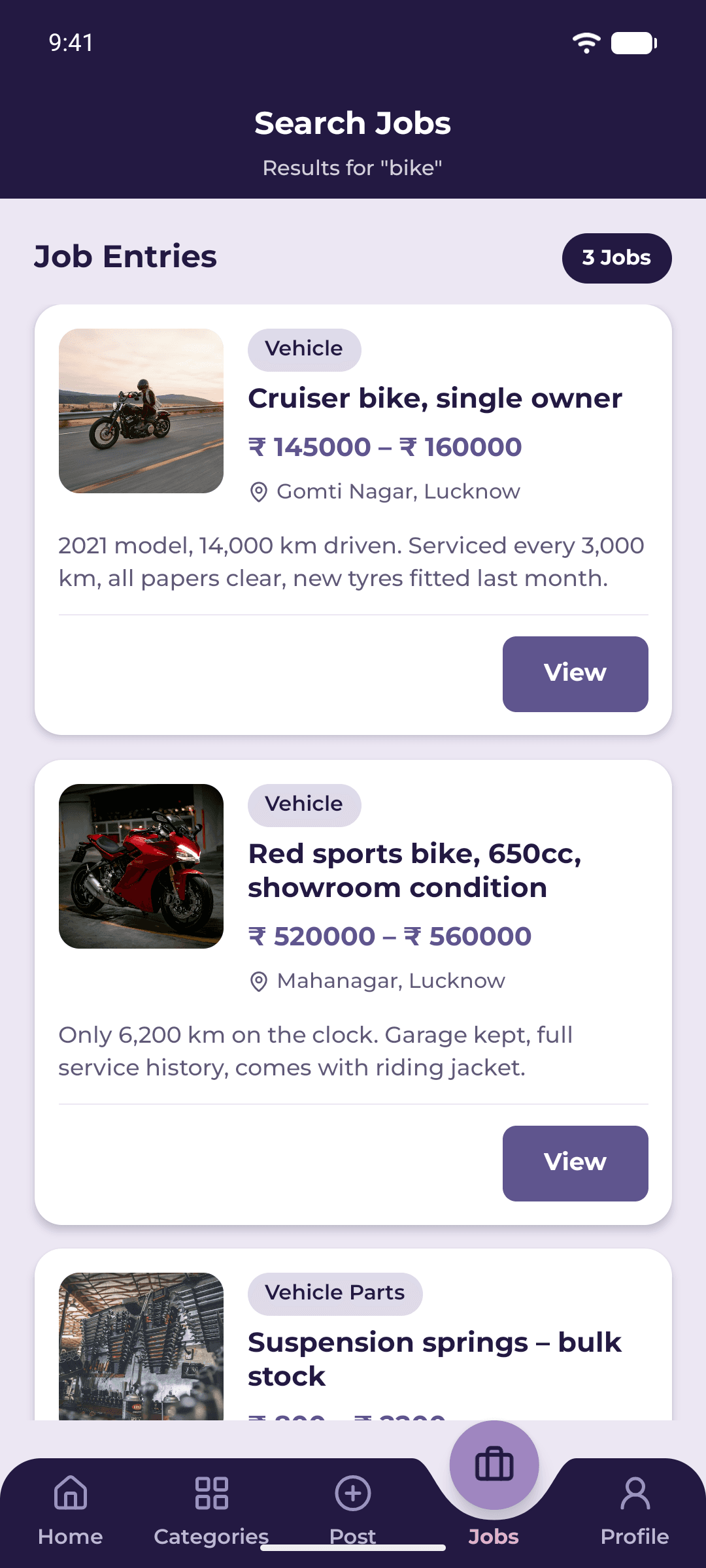
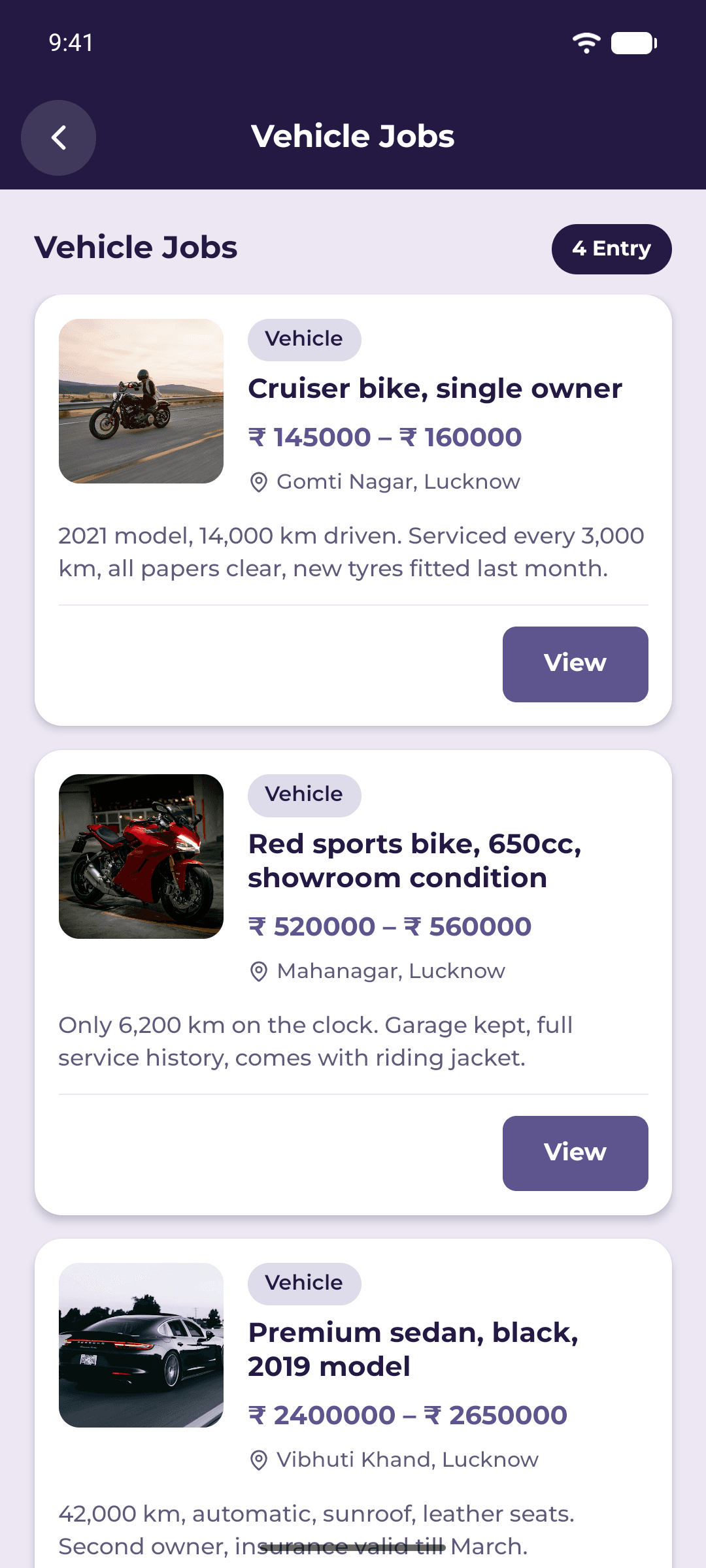
Browse by category or search nearby.
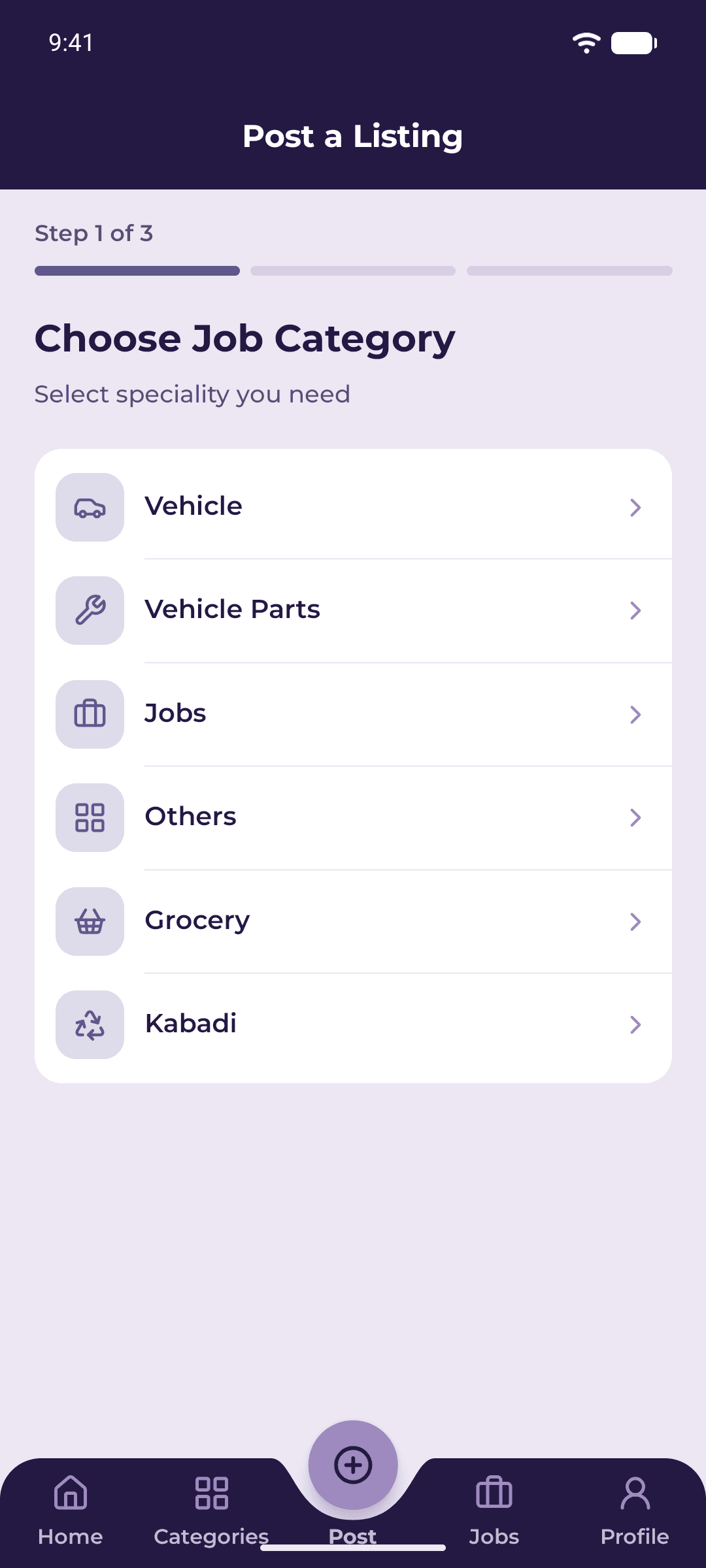
Add details and photos in a few steps.
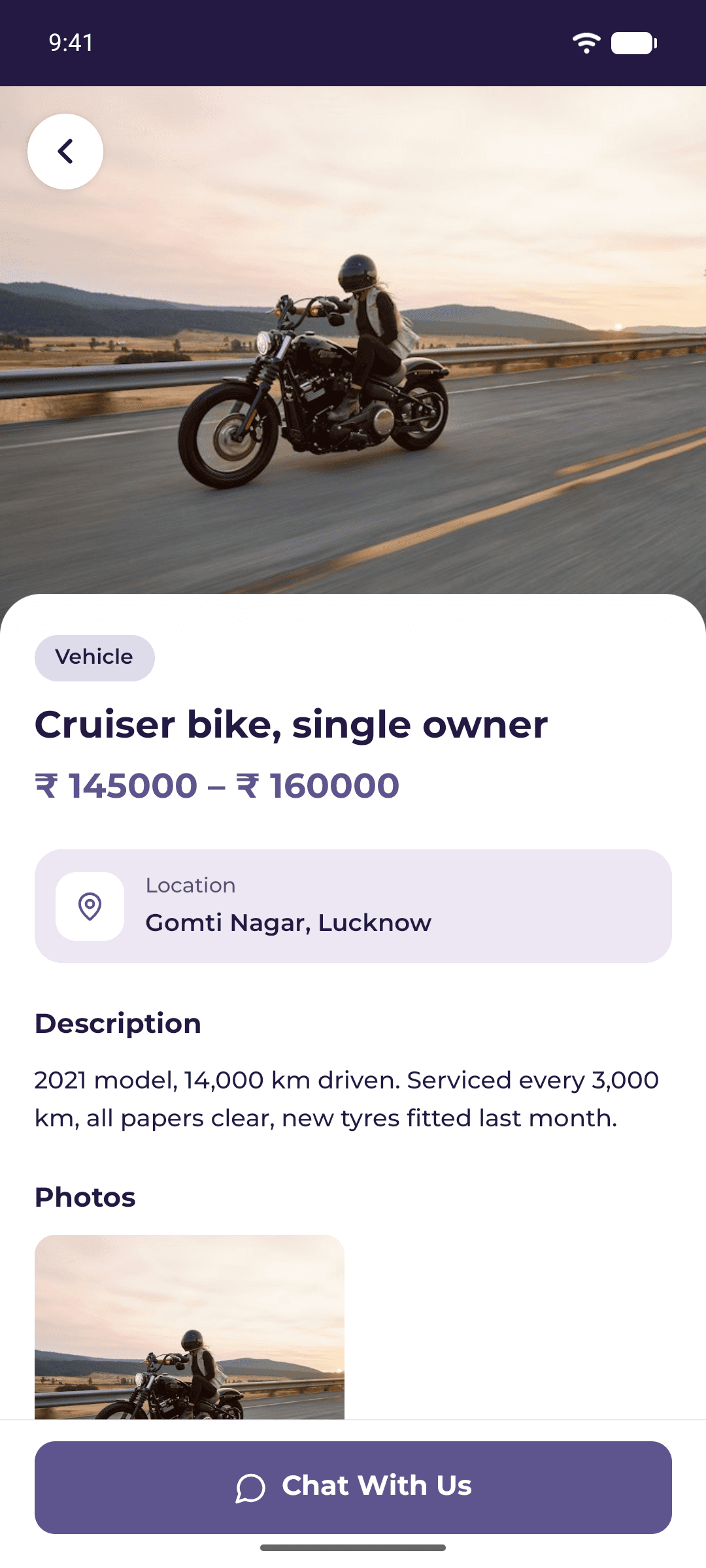
See photos, prices and key information.
FAQs
Khareed Bekri is a mobile app for buying and selling. You can browse and post listings for vehicles, vehicle parts, jobs, groceries, kabadi and more.
The Android app is available on Google Play now. The iPhone app is coming soon.
Enter your 10-digit mobile number and verify it with the one-time code sent to your phone. You don’t need a password.
Tap the post button, choose a category, add a title, details and photos, then set your price range.
Download Khareed Bekri on Google Play and start exploring your neighbourhood today.